
Input

AI Video
Realistic Video8s
The professional sketch to video AI tool. Upload a storyboard or concept drawing, choose a video style, and generate cinematic motion in about 2 minutes.
Upload a sketch, set your preferences, and generate.
Real user sketch uploads and their AI-generated video results. See how sketches transform into vivid animations.


SketchVideo AI turns your rough drafts into client-ready motion previews in three simple steps. Choose from three video styles — Realistic, Sketch Animation, or Illustration — and let the AI handle the rest.
Drop in any rough drawing — storyboard frames, architectural concepts, marker sketches, or digital drafts. SketchVideo AI accepts JPG, PNG, and WebP formats in any aspect ratio.
Pick from Realistic Video, Sketch Animation, or Illustration Video — each optimized for different creative scenarios. Describe the motion you want, and the AI handles the rest.
Get high-fidelity sketch to video output in about 2 minutes. Your original composition, line work, and subject placement stay perfectly intact. Download and drop into your next pitch or presentation.
Built for professionals who need strict sketch fidelity control and rapid creative iteration. Our sketch to video AI delivers results in about 2 minutes — not another generic AI video generator.
From rough sketch to client-ready motion preview in four steps — see exactly how SketchVideo AI fits into your creative process.
Scan your marker drawing, export your digital storyboard frame, or photograph your whiteboard concept. Our sketch to video AI accepts any standard image format — JPG, PNG, or WebP in any aspect ratio.
Drop your sketch into SketchVideo AI. Choose a video style — Realistic for products and architecture, Sketch Animation for raw sketch feel, or Illustration for characters and cartoons. Describe the motion you want.
Click generate and get your sketch to video AI result in about 2 minutes. Try different styles or motion prompts from the same sketch to explore different creative directions.
Download your chosen variant in up to 1080p from our sketch to video AI. Drop it directly into your pitch deck, client presentation, or internal review. Full commercial rights included — your output, your IP.
Everything you need to deliver high-quality sketch to video motion previews for pitches, reviews, and presentations.
Upload multiple storyboard frames to create consistent animatics with matched motion styles across the entire sequence. Our sketch to video AI handles multi-frame projects seamlessly.
Download your sketch to video AI output in up to 1080p — presentation-ready for client decks and stakeholder reviews.
You retain 100% commercial rights to all AI-generated video outputs from our sketch to video AI. Safe for client work, agency pitches, and commercial projects.
Our sketch to video AI accepts JPG, PNG, and WebP sketches in any aspect ratio. Works with scanned marker drawings, digital exports, and even phone photos of whiteboard concepts.
Describe the motion you want — camera movement, character action, lighting changes — and the AI follows your direction. Your sketch stays intact while gaining natural, cinematic motion.
Generate up to four motion variants from a single sketch in one session with our sketch to video AI. Compare side-by-side and choose the best creative direction instantly.
SketchVideo AI was built to solve the exact sketch to video problems creative teams face every day. Here is what our audience research tells us.
Static sketches are hard to use in client pitches. A reliable sketch to video AI should add motion without changing the original composition — that's exactly what teams need.
Storyboard Artists
Audience Research
Generic AI video tools drift too far from the sketch. Better motion control and stronger sketch fidelity are what make a sketch to video AI workflow credible for professional use.
Creative Directors
Audience Research
The workflow needs to become presentation-ready early so internal review and client discussion can happen before committing to full animation production. That's why our sketch to video AI prioritizes both speed and fidelity.
Concept & Marketing Teams
Audience Research
Showing a static elevation drawing is never as compelling as showing it in motion. Our sketch to video AI makes even a simple camera pan across an architectural sketch change how stakeholders perceive the concept.
Architecture Studios
Audience Research
Common questions about SketchVideo AI and sketch to video workflows. Have another question? Contact us via email.
Explore practical guides, workflow tips, and product updates for turning sketches, storyboards, and concept drawings into AI videos.
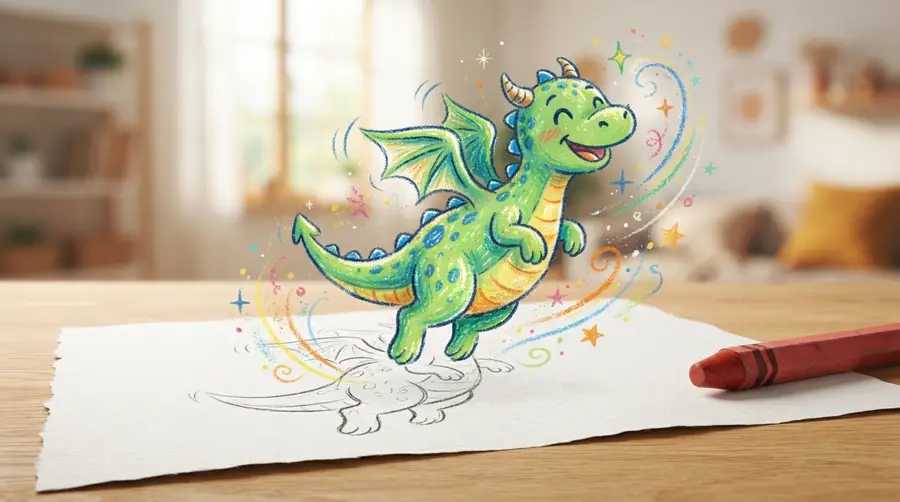
Learn how to animate a drawing: three routes compared with real time costs, the AI workflow step by step, which drawings work best, and how to keep your original style.
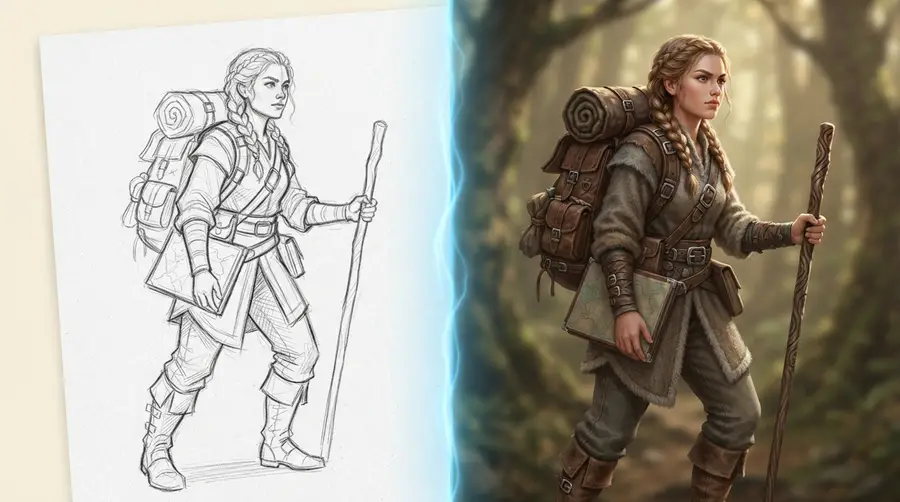
Sketch to image AI turns a rough drawing into a finished picture while keeping your composition. Learn how it works, the full workflow, and what makes a good input.

Turn storyboard frames into animated pitch videos with AI. Learn the complete workflow from sketch to client-ready animatic in about 2 minutes per scene with fidelity control.
Join creative professionals who save hours on animatics and client pitches with SketchVideo AI — the sketch to video AI built for professionals.